CMS Security in 2026: Why Your Platform Choice Matters

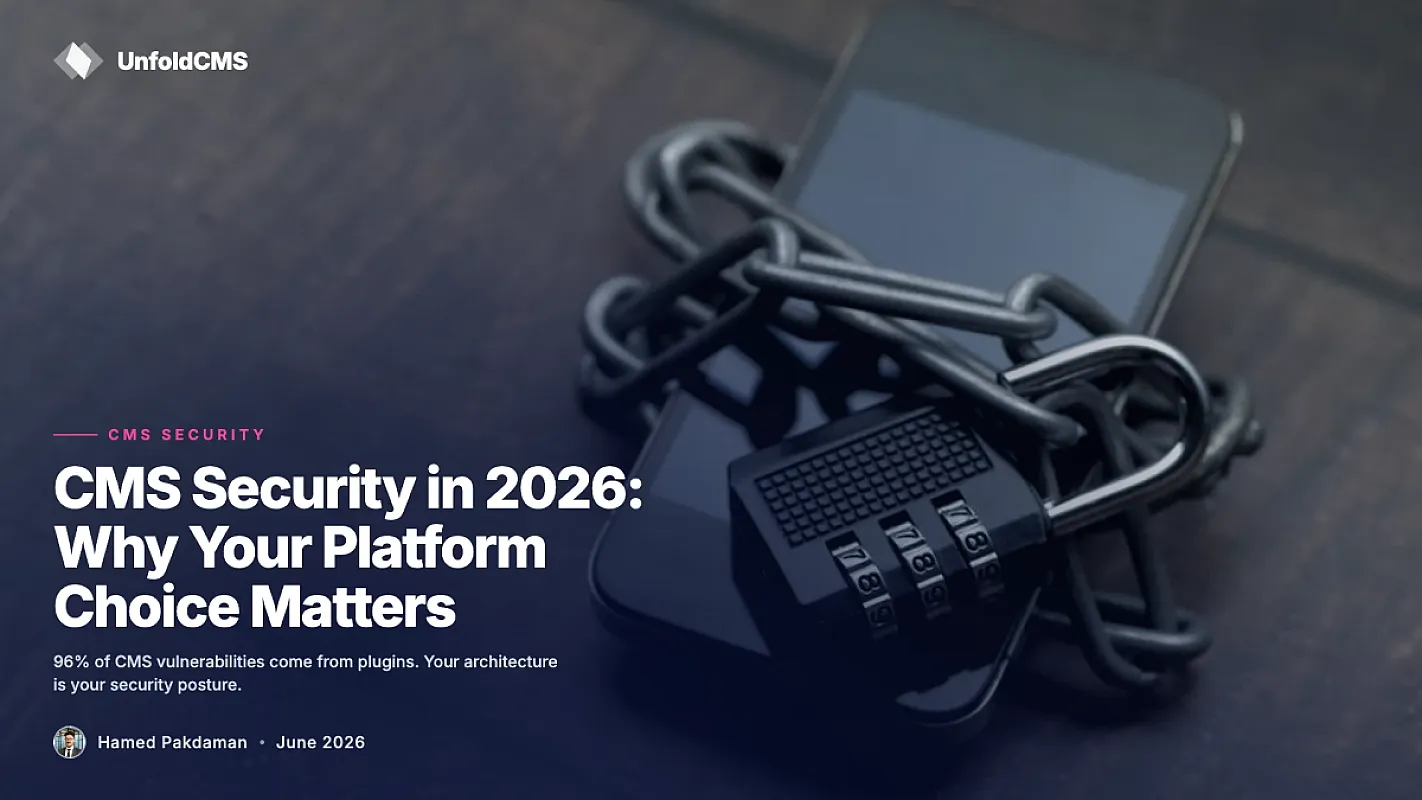
Here's the number that should change how you pick a CMS: 11,334 new vulnerabilities were disclosed in the WordPress ecosystem in 2025 — a 42% jump over 2024's 7,966. And here's the number nobody quotes next to it: only 6 of those were in WordPress core, all low priority. The other 99.9% lived in plugins (91%) and themes (9%).
That gap is the whole story of CMS security. Your platform choice doesn't just decide your editor and your API — it decides your attack surface: how many third-party codebases you depend on, how fast patches arrive, and whose job it is to apply them.
TL;DR: CMS security in 2026 is mostly an architecture question. Plugin-ecosystem platforms (WordPress) push every feature into third-party code, and that's where 91% of vulnerabilities live — with 33% still unpatched when publicly disclosed. Built-in-feature platforms (Ghost, Statamic, UnfoldCMS, Craft) ship SEO, forms, and media in an audited core, cutting the third-party surface to near zero. Neither choice removes your own responsibilities: updates, backups, server hygiene.
Why Platform Choice Sets Your Attack Surface
A CMS vulnerability needs three things to hurt you: vulnerable code running on your site, an attacker who knows about it, and a patch you haven't applied. Platform architecture controls all three.
The plugin-stack model (WordPress) means a production site typically runs 15–30 plugins from 15–30 different vendors. Each is a separate codebase with its own author, release cycle, and security practices. Patchstack's 2025 data shows what that looks like at scale: more than half of plugin developers they contacted failed to release a fix before public disclosure, and 33% of reported vulnerabilities were still unpatched when they went public.
The built-in model (Ghost, Craft, Statamic, UnfoldCMS) ships the standard features — SEO, forms, media, feeds, redirects — inside the core product. One codebase, one vendor, one update channel. The third-party surface shrinks from dozens of dependencies to zero or near zero.
Neither model makes software bug-free. The difference is how many independent parties must all do security well for your site to stay safe.
The 2025 Numbers, Platform by Platform
| Attack surface factor | WordPress (typical production site) | Built-in-feature CMS |
|---|---|---|
| Third-party plugins in production | 15–30 | 0–3 |
| Ecosystem vulnerabilities (2025) | 11,334 disclosed | Core-only advisories, a handful per platform |
| Share of vulns in third-party code | 91% plugins + 9% themes | Not applicable — features are core |
| Unpatched at public disclosure | 33% of reported vulns | Vendor patches own core before/at disclosure |
| Who coordinates patching | You, across every plugin vendor | One vendor, one changelog |
Sources: Patchstack State of WordPress Security reports, 2025–2026. Full methodology at the end.
Read that table honestly and two things are true at once. WordPress core is genuinely well-secured software — six low-priority issues in a year is a strong record for a 20-year-old codebase running 40% of the web. And a real WordPress site is only as secure as its weakest plugin, because that's where attackers actually get in.
The Renewal Trap: Security You Have to Keep Paying For
There's a second-order problem with the plugin model that the vulnerability counts don't capture: on WordPress, meaningful security is a subscription.
The standard advice for hardening a WordPress site is to add a security plugin — Wordfence Premium runs about $119/year. Add premium versions of your SEO, backup, and caching plugins (their free tiers lag on updates), and the "free CMS" carries $500–900/year in recurring licenses just to stay current. We broke down the full stack in what WordPress actually costs.
Stop paying, and the risk isn't abstract: an expired license means no updates, and an unpatched plugin is exactly the 33%-unpatched statistic above, running on your production site.
Built-in-feature platforms invert this. Security updates ship with the product — there's no separate security product to subscribe to, because the features that would be plugins are core code covered by core updates.
What Self-Hosting Changes (and What It Doesn't)
Self-hosting gets framed as either a security upgrade or a security risk. It's neither by default — it's a responsibility transfer.
What improves when you self-host:
- You're not on shared infrastructure with ten thousand other sites. Managed WordPress hosts are high-value targets precisely because one platform compromise reaches many tenants.
- You control the patch schedule. No waiting for a host to roll out a fix fleet-wide.
- Your attack surface is knowable: one CMS, one server, a short list of services you chose.
What becomes your job:
- Applying updates — the CMS, PHP or Node, and the OS. An unpatched server erases every architectural advantage.
- Backups that restore — a backup you've never test-restored is a hope, not a plan. Our backup strategy guide covers the 3-2-1 setup.
- Access hygiene — SSH keys over passwords, no shared admin logins, least-privilege roles for editors. Role design is half of CMS security; see user roles and permissions explained.
- TLS and headers — free via Let's Encrypt or Cloudflare, but you have to turn them on.
The full checklist lives in our self-hosted CMS security guide. None of it is hard; all of it is yours.
How UnfoldCMS Approaches This
Disclosure: we build UnfoldCMS, so this section is our own homework — judge it against the same criteria as everything above.
The design bet is exactly the one this post describes: no plugin store. SEO tools, forms, media library, redirects, webhooks, and the REST API are core code, shipped and patched in one product. The Laravel foundation brings the framework's mature security layer — CSRF protection, prepared statements against SQL injection, XSS-escaping templates — maintained by one of the largest PHP communities.
What that buys: a vulnerability in "the forms feature" is our patch to ship in the next release, not a third-party author's optional weekend project. What it doesn't buy: immunity. Any CMS — ours included — can ship bugs. The honest claim is a smaller, single-vendor attack surface, not an invulnerable one. Updates still land on you to apply, like any self-hosted platform.
The UnfoldCMS vs WordPress comparison covers the architecture differences beyond security.
How to Pick, if Security Is a Top-Three Criterion
- Count the third-party code you'll actually run. Not what the platform makes possible — what your real site will need. If the answer is "20 plugins," the 91% statistic is describing your future.
- Check the patch pipeline, not the marketing page. Does the platform publish security advisories? How fast did the last three get fixed? A public changelog with CVE references beats a "security-first" landing page.
- Prefer boring, maintained foundations. Laravel, Rails, and mature Node frameworks ship framework-level protections. A CMS hand-rolling its own auth in 2026 is a red flag.
- Budget the human side. Whoever owns updates, owns security. If nobody on the team will apply patches monthly, a managed platform is honestly safer for you — architecture can't fix neglect.
- Plan the exit. Owning your data (SQL dump, media folder) means a security incident is a bad week, not a hostage negotiation. If you're leaving a plugin-heavy setup, start with the WordPress alternative hub.
FAQ
Is WordPress itself insecure?
WordPress core is well-maintained — only 6 vulnerabilities were reported in core in 2025, all low priority. The risk concentrates in the ecosystem: 91% of the year's 11,334 WordPress vulnerabilities were in third-party plugins. A minimal-plugin WordPress site is far safer than the statistics suggest; a 30-plugin site is far riskier.
Is a self-hosted CMS more secure than SaaS?
Different, not automatically better. SaaS vendors patch the platform for you but concentrate risk (one breach hits all tenants) and hold your data. Self-hosting isolates you and gives you control, but patching, backups, and server hygiene become your job. The more honest question is: who on your team will actually apply updates?
What is the biggest CMS security risk in 2026?
Unpatched third-party extensions. Patchstack's data shows 33% of reported WordPress plugin vulnerabilities were still unpatched at public disclosure — and disclosure is when automated exploit scanning starts. Sites running abandoned or unlicensed plugins carry known-exploitable code indefinitely.
Do fewer plugins really mean better security?
Yes, mechanically so. Each plugin is an independent codebase with its own security practices; your site's risk is the union of all of them. Cutting 20 plugins to 5 — or to zero on a built-in-feature platform — removes entire categories of exposure rather than mitigating them.
How often should I update a self-hosted CMS?
Apply security releases within days, feature releases within weeks. Automate what you can (unattended OS security updates), calendar the rest monthly. Pair every update habit with tested backups — the backup strategy guide shows a setup that costs almost nothing.
Methodology
Vulnerability statistics come from Patchstack's State of WordPress Security reports (2025 and 2026 editions) and their 2025 mid-year vulnerability breakdown: 11,334 new WordPress-ecosystem vulnerabilities in 2025 (+42% vs 2024's 7,966), 91% in plugins and 9% in themes, 6 low-priority core issues, 33% of reported vulnerabilities unpatched at public disclosure. Plugin pricing reflects vendors' published rates as of July 2026. We build UnfoldCMS; the architectural argument in this post is one we have a stake in, which is why every claim above is sourced to third-party data you can check.
Free & Open Source
Own your CMS. No subscriptions.
Unfold CMS is free to download and self-host. Built on Laravel + React, full source code included.
Share this post: