Laravel Livewire CMS: A Content Layer That Shares Your Stack
One framework, not two — content management that fits Livewire

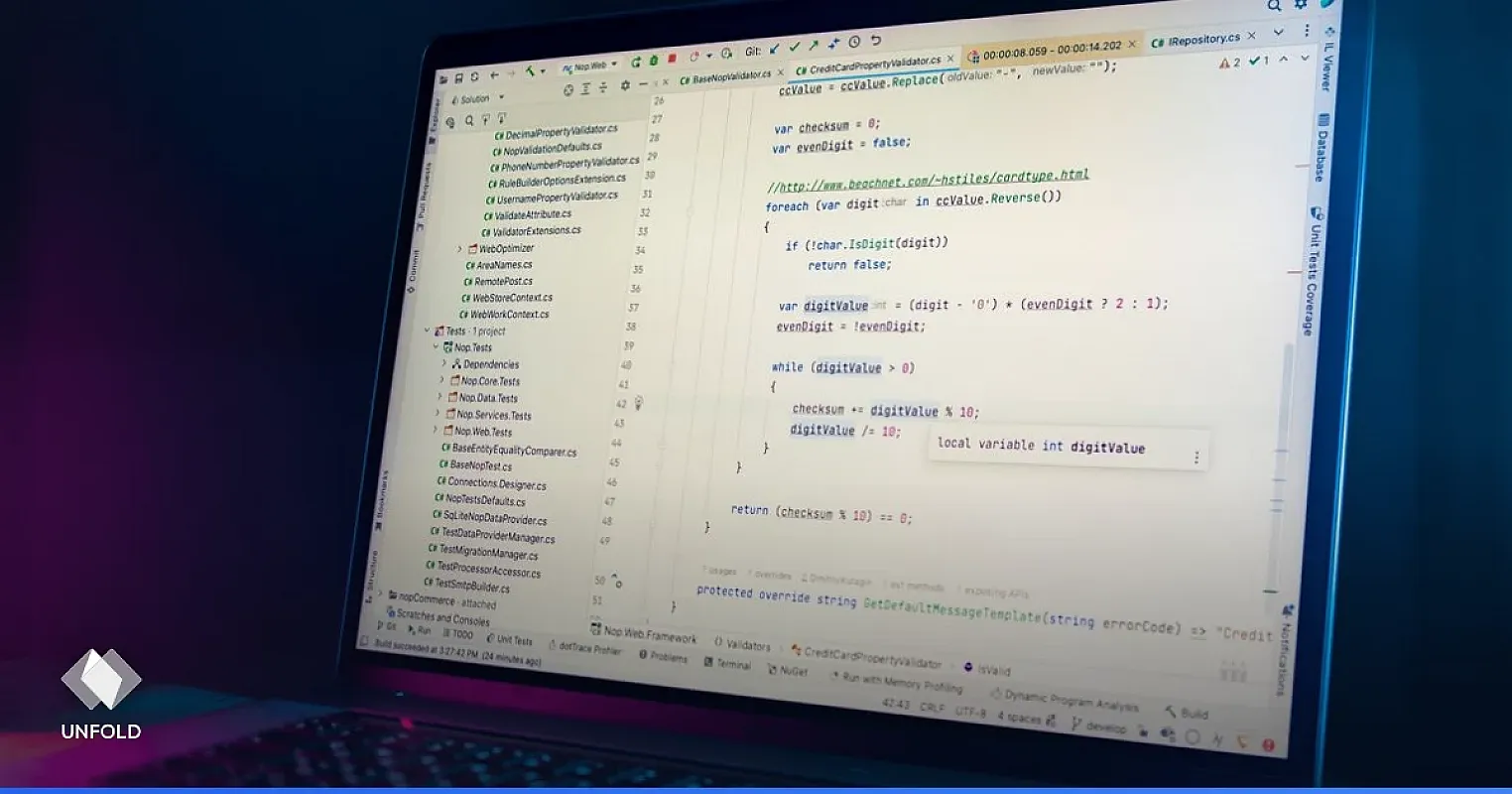
If you're building with Laravel and Livewire, you've already made a choice: server-rendered PHP, reactive components, no separate front-end build to babysit. So when you need a CMS for the blog, the docs, or the marketing pages, bolting on WordPress feels wrong. You'd be running two stacks, two admin panels, two security surfaces — to manage some content.
There's a better fit: a CMS that's itself a Laravel app. This post looks at what a Livewire developer actually needs from a CMS, and how a Laravel-native option changes the math.
The mismatch with WordPress and headless SaaS
Livewire teams hit two bad options most of the time.
WordPress means a second PHP app with its own MySQL tables, its own update cycle, its own plugin CVEs. Your Laravel app and WordPress don't share auth, don't share deploys, and don't share a security model. You're maintaining two things that do one job.
Headless SaaS (Contentful, Sanity) means your content lives in someone else's cloud, behind a metered API, and your server-rendered Livewire pages now depend on an external HTTP call to render. That adds latency and a vendor bill to a stack you chose specifically to keep simple and self-owned.
Neither fits the "one Laravel app, server-rendered, self-hosted" mindset that led you to Livewire.
A Laravel-native CMS is the natural fit
UnfoldCMS is built on Laravel 12. That single fact removes most of the friction. It's a self-hosted CMS you run on your own server, PHP 8.3, with content in your own database — the same shape as the app you already run.
It's worth being precise about how you'd use it, because there are two real patterns and they suit different setups:
Pattern 1 — run it as your content backend, consume via API. UnfoldCMS ships a REST API at /api/v1/*. Your Livewire component fetches posts server-side (you're already on the server) and renders them. No client-side data layer, no CORS dance — it's a PHP-to-PHP HTTP call, or even a direct DB read if you host both together.
// In a Livewire component
public function mount()
{
    $response = Http::get('https://cms.yoursite.com/api/v1/posts', [
        'per_page' => 10,
    ]);
    $this->posts = $response->json('data');
}
Pattern 2 — use UnfoldCMS as the whole content site. It has its own front end (blade templates, themes) for the blog and pages. Point a subdomain at it, keep your Livewire app for the product, and let the CMS own /blog and marketing. Two Laravel apps that at least speak the same language, deploy the same way, and share your ops knowledge.
Why the shared stack matters
The value isn't just "it's PHP." It's that everything you already know transfers:
- Same deploy story — composer, migrations, artisan. No Node runtime added for the CMS.
- Same hosting — runs on the $5 VPS or shared host your Laravel app already lives on. No queue worker required; scheduling runs on the normal cron.
- Same security model — Laravel's auth, CSRF, validation. Not a foreign codebase you have to audit from scratch.
- Same debugging — a stack trace you can read, in a framework you know.
For a Livewire developer, that's the difference between adopting a tool and adopting a second job.
What it gives you out of the box
Verified against the shipped feature set:
- Blog posts and pages with categories, SEO fields, and scheduled publishing (
posted_atin the future + the publish cron flips it live — runs synchronously, no worker needed). - A media library with automatic WebP conversions (thumbnail, medium, large).
- A React + shadcn/ui admin panel — modern, fast, not a 2010-era dashboard.
- The
/api/v1/*REST API with Sanctum token auth for programmatic access. - Outgoing HMAC-signed webhooks — handy if you ever move to a static or cached front end and need rebuild triggers.
Honest limitations
- The admin is React, not Livewire. The CMS's own admin panel uses React + Inertia, not Livewire. You don't touch it — it's the product — but if you expected a Livewire-based admin to extend, that's not the shape.
- REST only, no GraphQL. Fine for server-side fetches; worth knowing if your team standardized on GraphQL.
- No revision history. Posts can't be rolled back to a previous version.
- It's a separate app, not a package. UnfoldCMS isn't a composer package you drop into your existing Livewire app to add a
/blogroute. It's its own Laravel application. You run it alongside, not inside.
Livewire CMS options compared
| Option | Stack | Self-hosted | Shares your ops |
|---|---|---|---|
| UnfoldCMS | Laravel | ✅ | ✅ Same framework |
| WordPress | PHP (separate) | ✅ | ❌ Different everything |
| Contentful | SaaS | ❌ | ❌ External API |
| Filament + custom | Laravel | ✅ | ✅ But you build it |
Filament is worth a mention: if you want the CMS inside your Livewire app, a Filament-based build gives you that — at the cost of building the blog, SEO, media, and publishing yourself. UnfoldCMS is the "already built" version if you're happy running it as a separate Laravel app. See Filament vs UnfoldCMS for that tradeoff.
FAQ
Is UnfoldCMS a Livewire package I install into my app? No. It's a standalone Laravel application, not a composer package. You run it alongside your Livewire app and consume its API, or use it as the front end for your content sections.
Can my Livewire components read CMS content directly?
Yes — server-side via the REST API using Laravel's Http client, or by querying a shared database if you co-host. No client-side JavaScript needed.
Why not just use WordPress with my Laravel app? You'd run two unrelated stacks with separate auth, deploys, and security surfaces. A Laravel-native CMS shares your framework, hosting, and ops knowledge — one mental model instead of two.
Does it need a queue worker? No. Scheduled publishing and sitemap generation run synchronously via the standard Laravel cron — shared-hosting friendly.
Bottom line
For a Laravel + Livewire developer, the right CMS is one that respects the choice you already made: server-rendered, self-hosted, PHP. A Laravel-native CMS like UnfoldCMS shares your framework, your deploy, and your hosting, so adding content management doesn't mean adopting a second stack. Run it alongside, consume the API server-side, and keep one mental model.
See it running in the demo or read why we built a Laravel CMS instead of WordPress.
Related: CMS for Laravel · Filament vs UnfoldCMS · Laravel admin panel vs CMS
Free & Open Source
Own your CMS. No subscriptions.
Unfold CMS is free to download and self-host. Built on Laravel + React, full source code included.
Share this post:


